
TOWNSHIP-FIRST LOCAL COMMERCE

iKkasi Lakho. One App.
Everything Local.

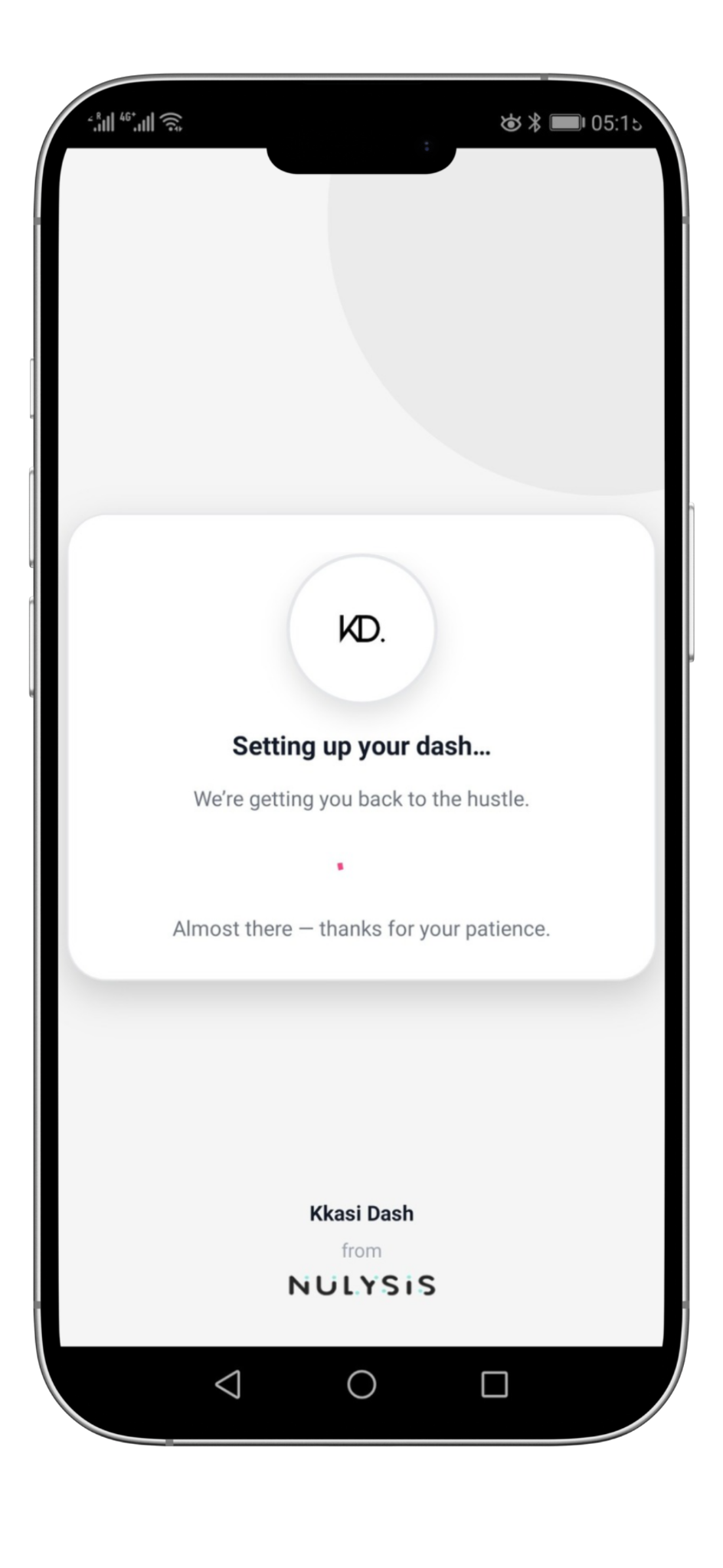
KD (Kkasi Dash) helps you find nearby businesses and vendors, book services, place orders, and track updates — without endless calls or long WhatsApp threads.

Google Play (coming soon) App Store (coming soon)
For
Customers Merchants Vendors Street sellers Side gigs Caterers BnBs Tutors
HOW IT WORKS

Clean flow. No chaos.

Find what you need, send a clear request, and get updates until it’s done. KD keeps everything organised — for both customers and businesses.

01 Discover

Search your area

Browse township businesses + vendors near you. See what they offer, clearly.

02 Request

Send the details once

Pick services/items, dates, add notes — one clean request, no back-and-forth.

03 Track

Get updates automatically

Businesses confirm, progress moves, you get notifications — simple.

PAYMENTS & TRUST

Secure payments that feel familiar.

KD supports safe online payments. When you pay, your banking app can request extra authentication (3D Secure) — so you stay in control.

What you’ll see

Pay → approve in your banking app → done.

If a payment needs extra verification, you’ll be prompted by your bank. KD never asks for your banking password.

  • Clear payment requests
  • Extra authentication when required
  • Receipts + status updates
Payments are processed via a secure payment partner flow — you stay in control.
WHAT’S ON KD

Not just salons & food.

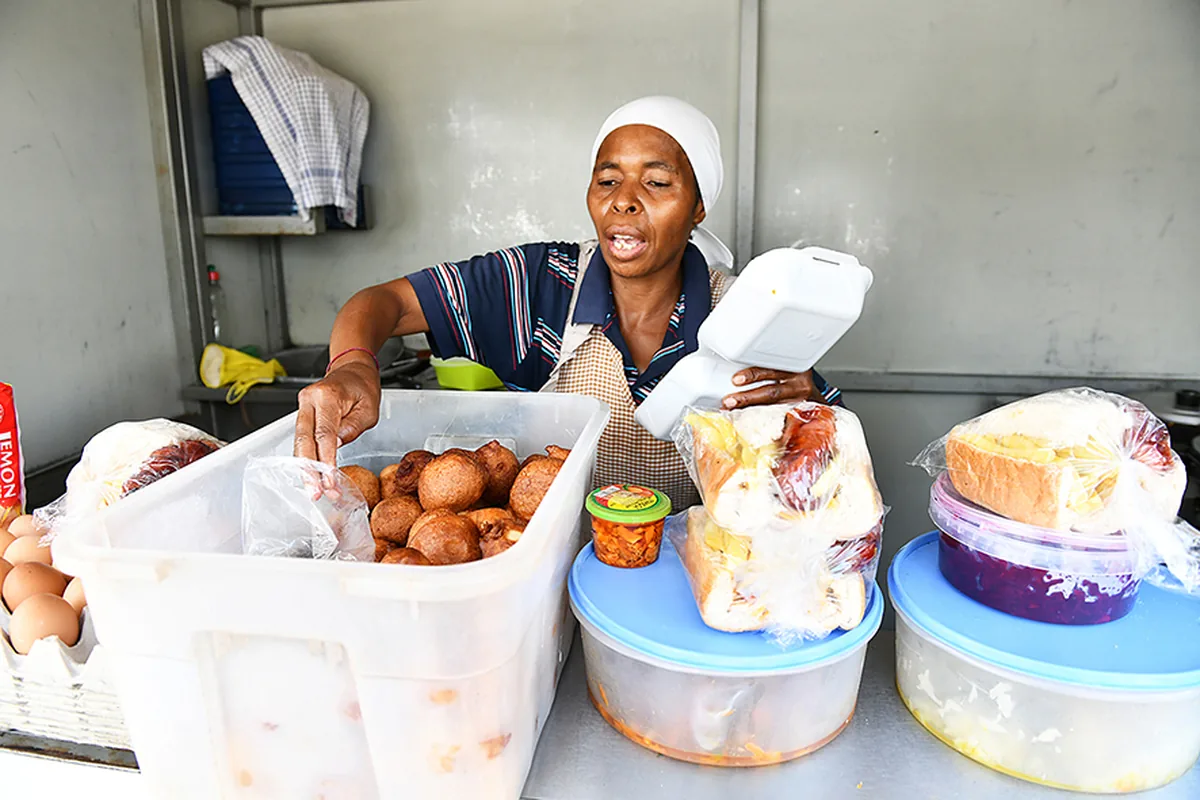
KD is a marketplace for what exists in your community — businesses, vendors, and people who sell on the side of the road.

Services & Orders

Book and order in one place

Hair, nails, meals, laundry, rentals, tutoring, catering, local stays — anything that can be requested and fulfilled can live on KD.

Bookings
Pick a time, add notes, and track confirmation — no back-and-forth.
Orders
Add items once, pay securely, and get automatic status updates.
See the flow — how requests move from “sent” to “done”.
For Merchants

Less admin. More orders.

Accept/decline requests, keep your menu/services updated, and send progress updates so customers don’t panic-call you every 5 minutes.

Clear requests with details
Customers send everything once — you confirm and move.
Status updates + notifications
Reduce follow-ups by keeping customers in the loop.
Onboarding + payouts handled properly
Secure payments via Yoco, payouts to your nominated bank account.
MERCHANT ONBOARDING

Get listed in a clean, township-friendly way.

KD welcomes formal businesses and side-hustle vendors. Create your profile, verify payouts, and go live with your services — then accept requests and send updates.

01
Create

Set up your merchant profile

Add your name, trading area, category, and the basics customers need to trust you.

Business/vendor details + location
Operating hours + contact info
Category + service type
02
Verify

Complete onboarding + payouts

To enable secure payments and payouts, you’ll provide identity and bank details.

ID / Passport (individual or owner)
Bank account details for payouts
Basic verification checks
Required by payment providers — standard compliance.
03
Go live

List your menu/services

Add services, prices, photos, and availability — then accept requests and send updates.

Services/items + pricing
Accept/decline + status updates
Secure payments (via Yoco)
PRICING

KD takes R0 commission.

Merchants do not pay KD fees to be listed or to receive bookings/orders. The only costs are payment processing fees charged by our integrated payment partner, Yoco, when customers pay online.

KD fees
R0
No listing fee. No commission.

You keep your prices. You control your offers. KD focuses on clean requests, updates, and secure checkout.

Free listing — get discovered by local customers
Bookings & orders — clean requests, fewer calls
Secure checkout — payments handled by Yoco
KD does not add commission on top of your prices.
Yoco online payment fees

Online payment processing fees (charged by Yoco) when customers pay through the KD checkout.

Local cards (debit/credit)
3.39%
International cards (debit/credit)
3.91%
Amex
3.91%
Instant EFT
2.30%
These are Yoco fees (not KD). Yoco may update rates over time.
Payouts (via Yoco)

KD does not hold funds. Yoco processes the payment and pays out to your nominated bank account based on the option you choose.

Standard payout
Included
Weekly payout
Included
Fast payout
0.86%
Instant payout
1.72%
Payout options and payout fees are set by Yoco (not KD).
HOW TO GET STARTED

Download. Join. Start.

In a few minutes, you’re ready to request, book, and order locally.

01 Download

Get the KD app

KD will be available on Google Play and the App Store.

Google Play (coming soon) App Store (coming soon)
02 Sign up

Create your profile

Customers join and start requesting. Businesses sign up and onboard to receive requests and payouts.

03 Go

Make your first request

Pick a business/vendor, send the details once, and track updates until completion.